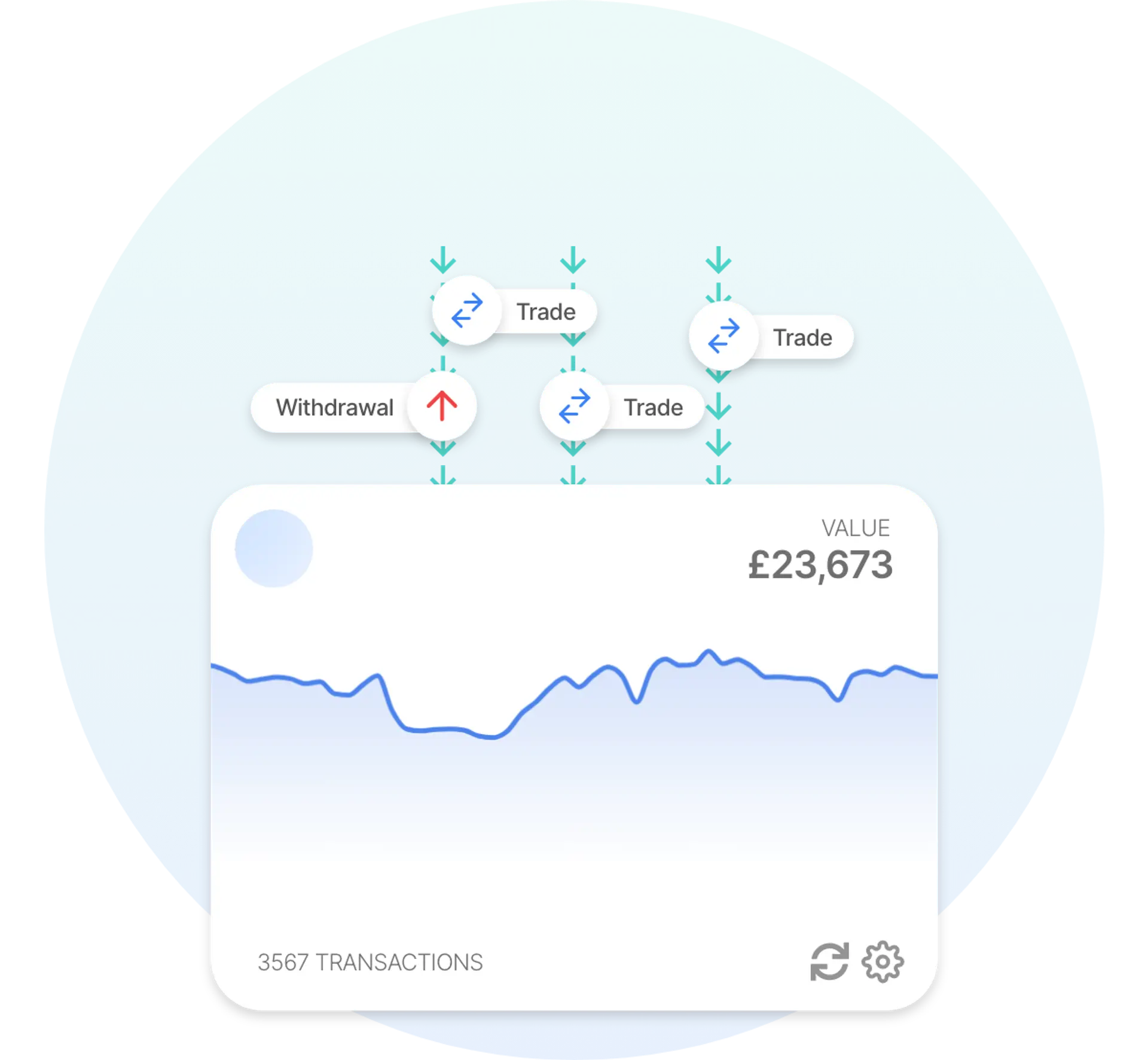

Recap has a comprehensive integration with Binance Futures that makes it easy to manage your crypto tax calculations. Connect your Binance Futures account to Recap to import your full history and automate your taxes. From 2026, tax authorities are widening the automatic reporting of crypto under frameworks such as the OECD's Cryptoasset Reporting Framework (CARF), so keeping an accurate record matters more than ever.
Disclaimer
The information provided in this content does not endorse Binance Futures. Furthermore, it does not constitute tax advice. If anything financial or tax-related is unclear, speak to a qualified tax professional. You can also share your Recap account with your accountant or tax adviser directly.
Why Binance Futures tax can be difficult to calculate manually
Binance Futures is a derivatives venue, so the record it produces is different from a spot exchange: it is full of positions, funding and fees rather than simple buys and sells. That is exactly what makes it hard to work through by hand. A few things tend to trip people up:
Common pitfalls
- Profit and loss, not simple trades. Futures positions produce a realised profit or loss when you close them, which behaves differently from a spot disposal and needs recording accurately.
- Funding payments and fees. Perpetual contracts charge or pay funding at regular intervals, and those amounts, along with trading fees, all belong in an accurate record.
- High frequency and liquidations. Active futures accounts open and close many positions, and liquidations add further events that are easy to miss when reconstructing by hand.
- A record separate from spot. Derivatives are treated differently from spot crypto in most places, so your futures activity needs to be captured clearly and kept distinct.
How to import your Binance Futures data into Recap
Connect your Binance Futures account to Recap by API and we import your full history automatically, including your realised profit and loss, funding payments, fees, deposits and withdrawals, however far back your account goes. Recap records the disposals and acquisitions your derivatives activity creates and applies the tax rules for your jurisdiction, so a high-frequency futures account resolves into an accurate, readable record.
 Auto Sync with Binance Futures
 How are Binance Futures transactions taxed?
Tax treatment depends on the transaction type and where you are tax resident. Here is how the main Binance Futures activities are generally treated:
Binance Futures tax table
| Transaction type | CGT disposal | CGT acquisition | Income |
|---|---|---|---|
| Deposits | CGT disposal: no. Any deposit fee is treated as a separate disposal of the fee asset; Recap imports Binance Futures account credits with a zero fee. | CGT acquisition: no | Income: no |
| Withdrawals | CGT disposal: no. Any withdrawal fee is treated as a separate disposal of the fee asset; Recap imports Binance Futures account debits with a zero fee. | CGT acquisition: no | Income: no |
| Realised profit and loss | CGT disposal: yes. A negative realised PnL is recorded as a direct loss disposal at market value. | CGT acquisition: yes. A positive realised PnL is recorded as a direct gain and the received asset enters the section 104 pool at market value. | Income: no. Recap never treats futures PnL as income; it is netted per asset (profits minus losses, fees and funding) and reported as futures direct gains/losses. |
| Funding payments and fees | CGT disposal: yes. Funding paid, trading commission, insurance-clear and position-limit fees are recorded as direct loss disposals at market value. | CGT acquisition: yes. Funding received (and negative/rebated fees) is recorded as a direct gain acquisition at market value. Separately, Binance FEE_RETURN rows are imported as a fee rebate (pool acquisition, not income). | Income: no. Not income: funding and fees are netted into the same per-asset futures gain/loss figure as realised PnL. |
| Referral rebates, bonuses and rewards | CGT disposal: no | CGT acquisition: yes. The amount also enters the pool as an acquisition at the same market value used for the income event. | Income: yes. Referral rebates, kickbacks, welcome bonuses and contest rewards are recorded as income at market value on receipt. On USDⓈ-M Futures, BFUSD rewards are treated the same way. All are kept separate from realised profit and loss and funding. |
| Transferring between your own accounts | CGT disposal: no. The principal moved is not a disposal; only a transfer fee (if any) is treated as a disposal of the fee asset. If the amount received is less than the amount sent, the shortfall is recorded as a zero-value disposal. | CGT acquisition: no. If the amount received exceeds the amount sent, the excess is recorded as an acquisition at market value. | Income: no |
This table shows how Recap classifies each transaction type by default. Some treatments — such as the acquisition cost used for airdrops — are configurable in Recap. This is general information, not tax advice; consult a qualified tax professional about your circumstances.
This table shows Recap's default classification for common Binance Futures transactions. It is not an exhaustive schedule or a ruling. Treatment depends on your circumstances and jurisdiction, and you can recategorise any transaction where yours differ. Confirm your position with a qualified tax adviser.
Derivatives such as futures are treated differently from spot crypto, and the exact treatment depends on where you are tax resident. Recap records the disposals and acquisitions your realised profit and loss, funding payments and fees create, so you have an accurate record to apply your local rules to. Transfers between your own accounts are neither disposals nor acquisitions, although any fee paid in crypto is itself a disposal.
Refer to our tax guides for a more detailed look at crypto tax rules.
What's in your Binance Futures tax report
Recap turns your full Binance Futures history into a single record: realised profit and loss, funding payments and fees captured with the disposals and acquisitions they create, kept distinct from your spot activity, and summarised year by year so you can apply the rules for your jurisdiction, file yourself, or hand it straight to your accountant.
Common Binance Futures tax challenges and how Recap solves them
Binance Futures accounts produce a few recurring problems for record-keeping. Here is how Recap handles each one:
How Recap handles them
- Realised profit and loss. Closing a position produces a profit or loss that behaves differently from a spot disposal. Recap records each one accurately.
- Funding and fees. Frequent funding charges and fees are easy to overlook. Recap captures them so your record is complete.
- Liquidations. Forced closures add events that are easy to miss. Recap imports them alongside the rest of your activity.
- Keeping futures separate from spot. Derivatives need distinct treatment. Recap keeps your futures record separate and clearly presented.
Why Binance Futures users choose Recap
Binance Futures users often choose Recap because a high-frequency derivatives account produces funding, fees and realised profit and loss that are painful to reconcile by hand and need keeping distinct from spot. Rather than piecing it together, you can connect by API and see it captured in one clear record, ready to apply your local rules, file, or share with your accountant.