
If you're a UK-based crypto investor preparing to file a Self Assessment tax return for the 2025/26 tax year, and it's your first time, this guide is here to help. Before you can file, you need to register for Self Assessment with HMRC by 5 October 2026.
In this article, we'll cover who needs to file a tax return, who needs to register for Self Assessment, and provide a step-by-step guide on how to do it and what to expect.
Disclaimer
This guide is intended as a generic informative piece. This is not accounting or tax advice that can be relied upon for any UK individual’s specific circumstances. Please speak to a qualified tax advisor about your specific circumstances before acting upon any of the information in this article.
Who needs to file a 2025/26 tax return?
Before diving into the registration process, establish whether you need to file. The Self Assessment tax return covering the 2025/26 tax year (the period from 6 April 2025 to 5 April 2026) is due online by 31 January 2027.
You must submit a tax return if any of the following criteria apply to you within the financial year:
- You were self-employed as a 'sole trader' and earned more than £1,000 (before tax relief).
- You were a partner in a business partnership.
- Your total taxable income exceeded £100,000.
- You had to pay the High Income Child Benefit Charge.
- You received untaxed income from sources like renting out a property, tips, commission, savings, investments, dividends, or foreign income.
As a crypto investor, it's likely that the final bullet will apply to you. If any of the following applied during the 2025/26 tax year, you'll need to file a tax return:
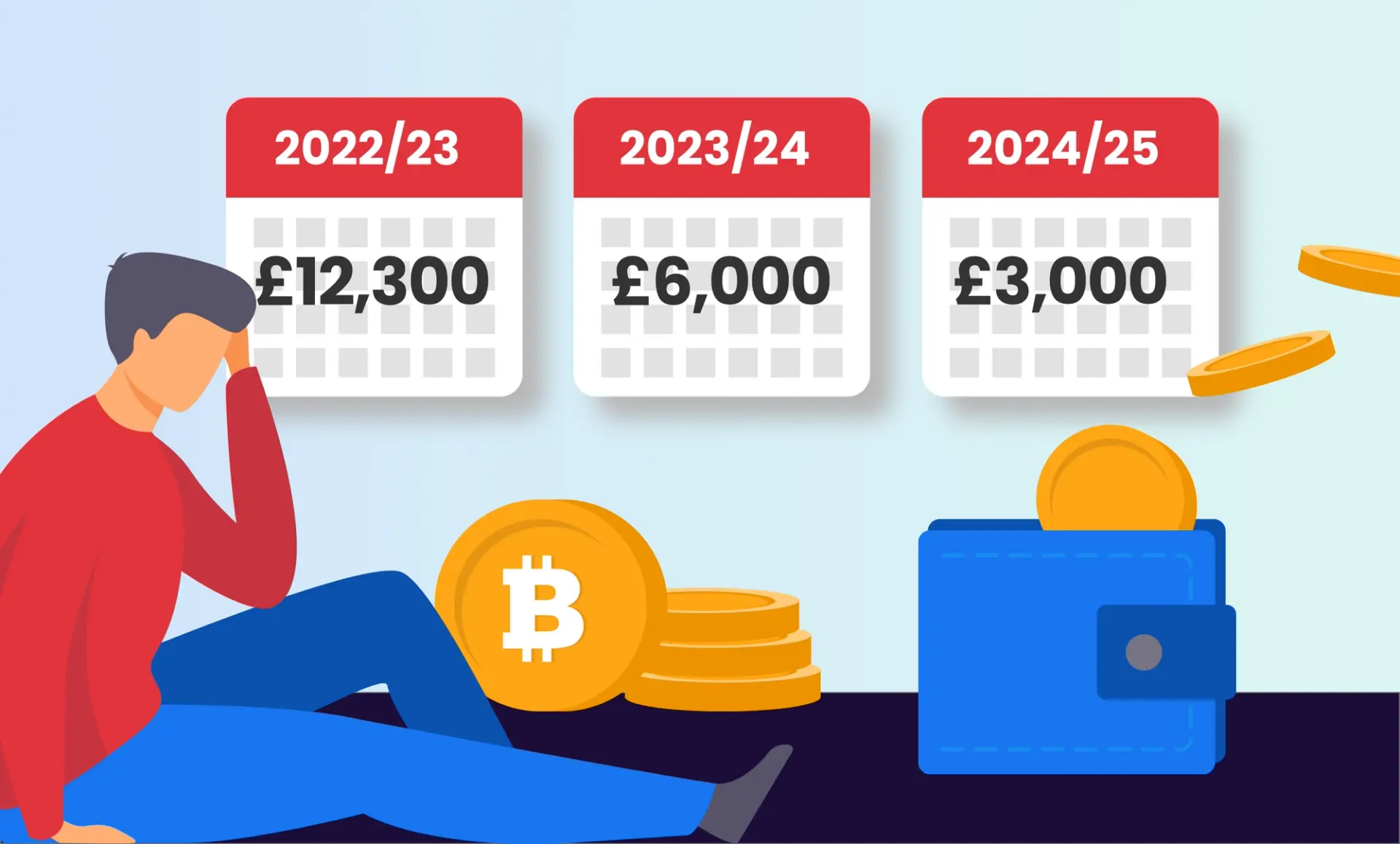
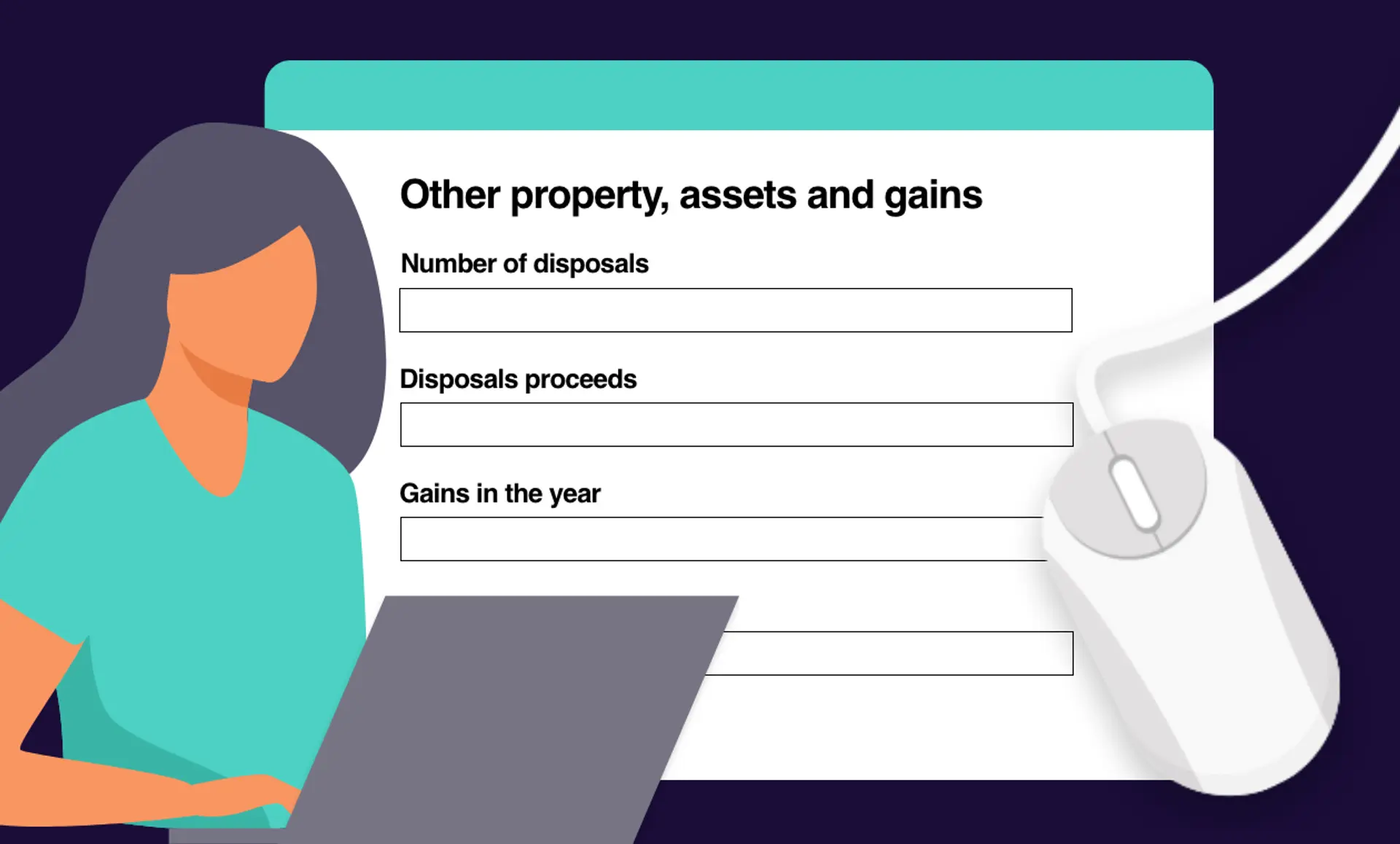
- Your capital gains exceeded the annual allowance of £3,000.
- Your disposal proceeds exceeded £50,000.
- You received more than £1,000 miscellaneous income.
For more detailed information on crypto tax, check out our UK crypto tax guide or use our crypto tax calculator to calculate your capital gains and income for free.
Do I need to register for Self Assessment?
If you need to file a tax return, you must register for Self Assessment unless you've done so previously.
First time filers
If this is your first time filing a tax return, you'll need to register for Self Assessment by 5th October. Registering early ensures you have ample time to complete your tax return accurately.
Past filers
If you filed a tax return last year, there's no need to register again – that's one less task on your to-do list! However, if you have filed in the past but didn't file last year, you'll need to re-activate your account by signing in to the Government Gateway.
How to register for Self Assessment
Let's move on to the registration process.
- Prepare your documents: Before you begin, gather essential documents such as your National Insurance number and any relevant income records, like payslips or bank statements. This will streamline the process and help you get registered more smoothly.
- Create a Government Gateway account: Your government gateway account is your online portal for interacting with HMRC. Assuming you don’t already have a login, head to the Government Gateway login page and click "create sign in details" then enter your email address and follow the instructions to set up your account.
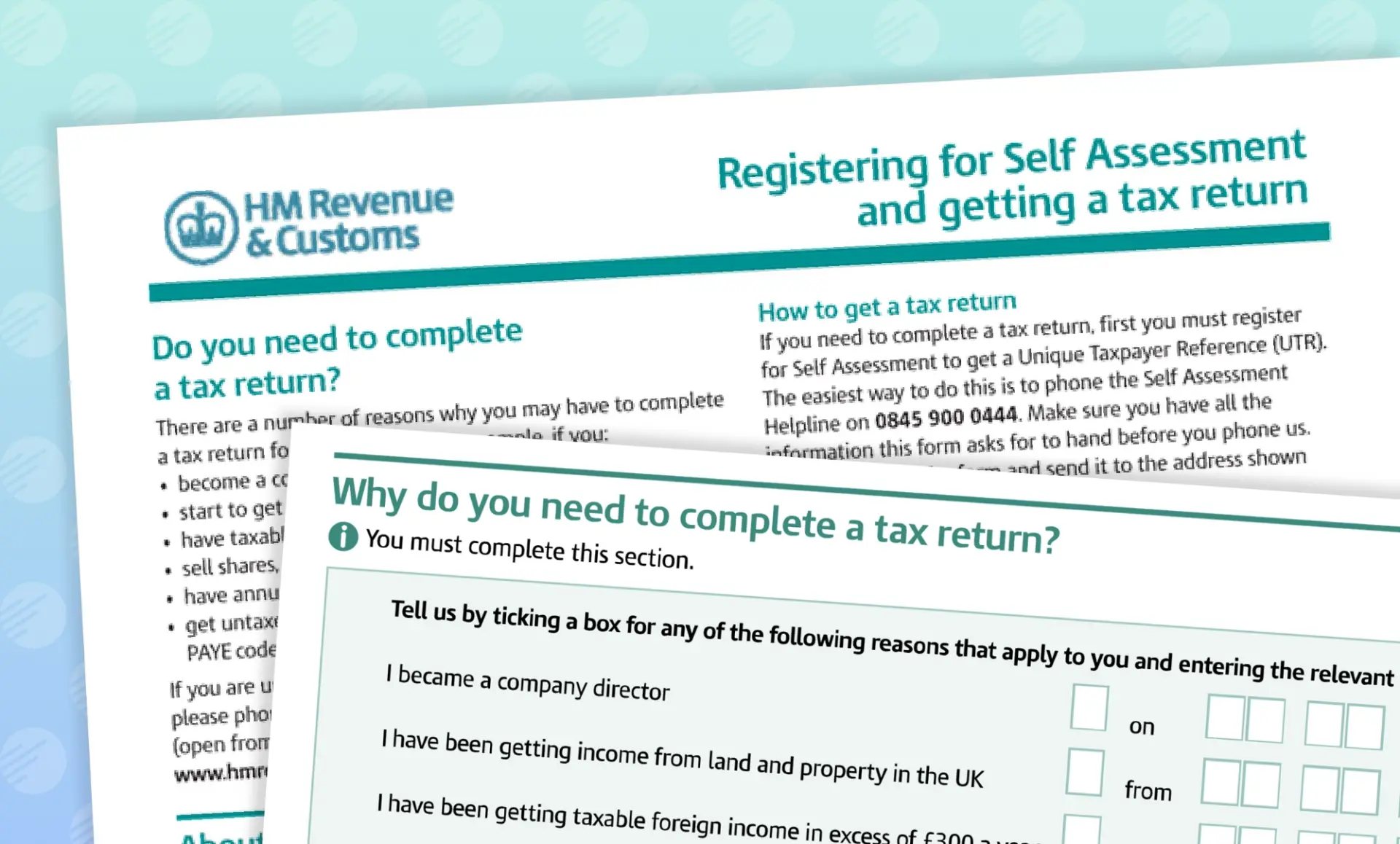
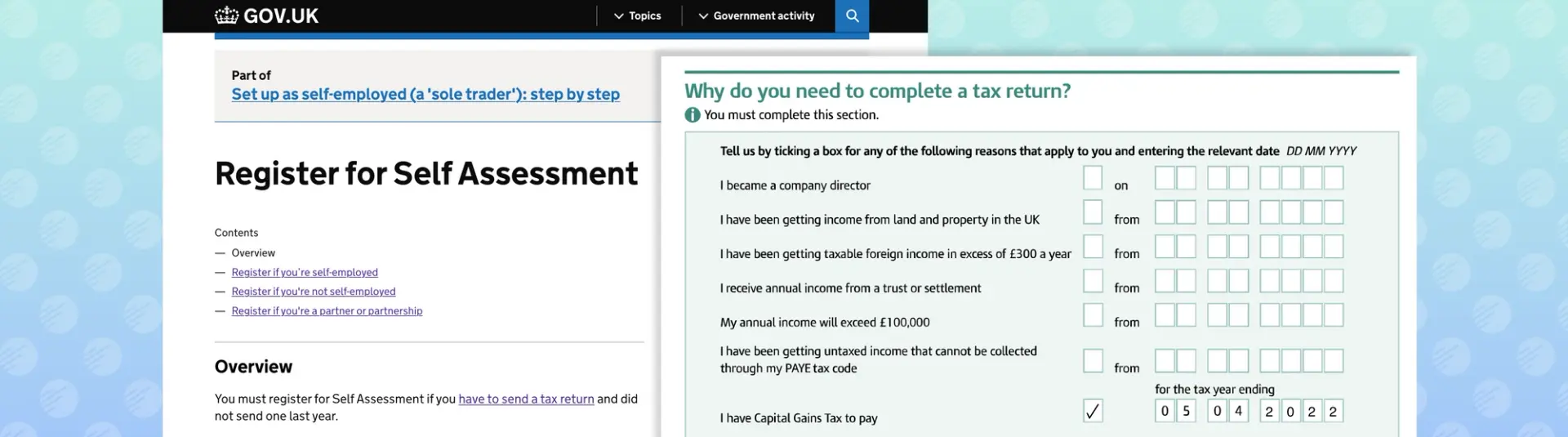
- Register for Self Assessment using Form SA1: To register for Self Assessment, visit the HMRC website and fill in the SA1 form. You can submit the form in two ways:
- Online SA1 submission: Sign in with your Government Gateway ID and password, then fill in and submit the SA1 form online.
- Paper SA1 Submission: Fill in the form and post it to the provided address.
What information is needed to register for Self Assessment?
When completing the SA1 form, you’ll be asked to provide the following details:
- Your full name
- Postal address (this can be outside the UK)
- Date of birth
- Daytime telephone number
- UK National Insurance number
- An explanation of why you need to register for Self Assessment and the date this began.
What happens after registering for Self Assessment?
Here's what to expect once you've registered for Self Assessment, including what you need to do next:
- Receive your UTR: You'll receive a letter containing your Unique Taxpayer Reference (UTR) number by post within 15 days.
- Activate your account: Sign in to your personal tax account (that you created during registration) and use your UTR number to activate it.
- File your tax return: You're now ready to file your tax return, and can do this anytime before the tax deadline of 31st January.
Need help filing your tax return? Check out our guide on "How to file your crypto taxes". If your tax situation is complex, we recommend consulting a tax professional for specialist advice.
How Recap can help with crypto taxes?
If you're uncertain about your tax obligations related to crypto trading, Recap can help! Create an account, connect your crypto exchanges and wallets, and our software will automatically calculate your capital gains and income taxes, helping you determine if you need to file a tax report.