Product Release: Introducing the Tax Planning Dashboard
Most crypto tax tools help you look backwards. You connect your exchanges, calculate your gains, and file your return.
That's important. But by the time you're filing, the tax year is already over — and so are your options.
Today we're launching the Tax Planning Dashboard: a new feature that helps you see your tax position as it stands right now, so you can make smarter decisions before 5 April, not after.
As far as we know, no other UK crypto tax platform offers this.
Your annual exemption, front and centre
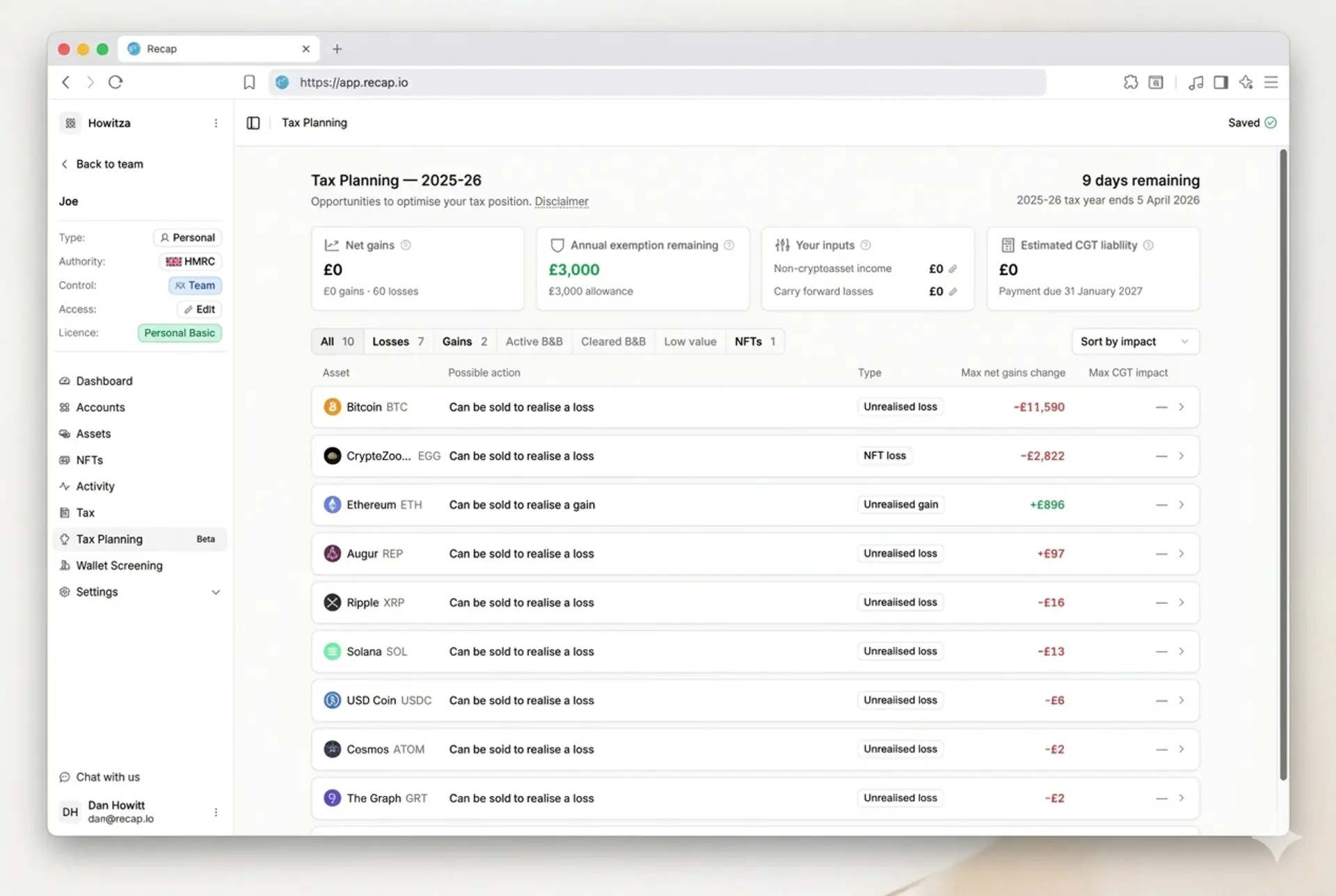
The dashboard shows how much of your Capital Gains Tax annual exempt amount you've used and how much is still available.
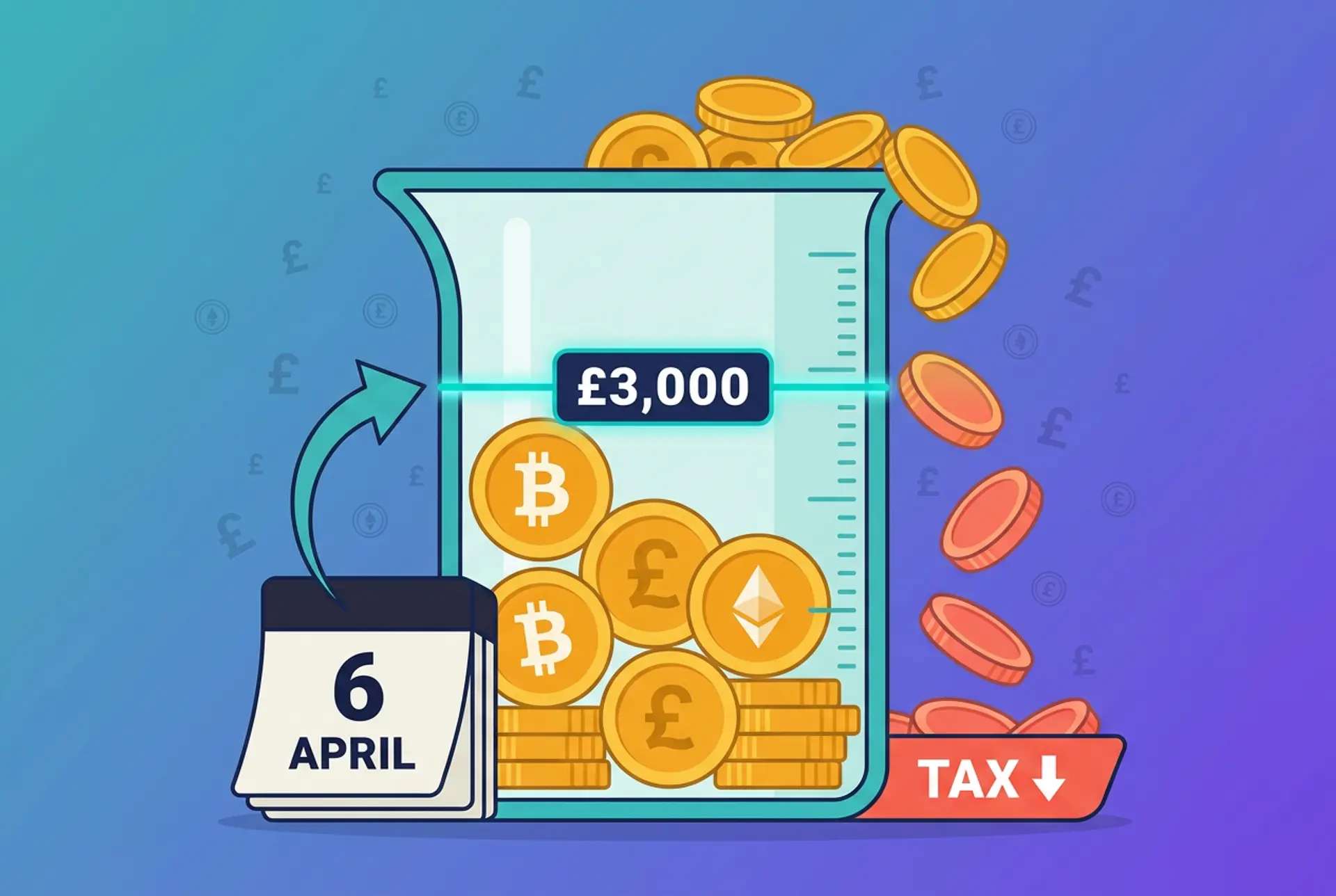
This matters because the annual exempt amount is use it or lose it. If you don't use it by 5 April, it's gone. You can't carry it forward to the next tax year.
If you've got gains you're thinking about realising, knowing where you stand against the exemption helps you decide whether now is the right time.
Unrealised losses and tax loss harvesting
The dashboard highlights unrealised losses across your portfolio. These are positions where the current value is below what you paid, but you haven't sold yet — so the loss hasn't been "crystallised" for tax purposes.
Why does this matter? Because if you sell a position at a loss before 5 April, you can use that loss to reduce your capital gains in the current tax year. This is sometimes called tax loss harvesting.
Here's a quick example. Say you bought 1 ETH for £2,000 and it's currently worth £1,200. If you sell before 5 April, you crystallise an £800 capital loss. That loss can offset gains elsewhere in your portfolio, potentially reducing your CGT bill.
Capital losses can't be carried back to earlier tax years, so timing matters. Recap surfaces these opportunities clearly so you can spot them before the window closes.
Active bed and breakfast trades
When you sell crypto and buy the same asset back within 30 days, HMRC's matching rules (sometimes called the "bed and breakfast" rule) can change how your gain or loss is calculated. Instead of matching the sale against your Section 104 pool (the average cost of all your holdings of that asset), HMRC matches it against the reacquisition.
The dashboard flags any disposals that are still inside that 30-day window, so you know which trades might still be affected.
Cleared bed and breakfast positions
We also show you where the 30-day window has passed. That means the disposal is no longer subject to the bed and breakfast rule and the tax position on that trade has settled.
This makes it easier to tell the difference between trades that are still in play and those you can stop worrying about.
Built for UK crypto tax
Recap is built UK-first, and the Tax Planning Dashboard reflects that. Same-day matching, the 30-day rule, Section 104 pooling (the method HMRC uses to calculate the average cost of your holdings), the annual exempt amount — these rules all interact, and they can all affect your final tax bill.
The dashboard brings them together in one place so you can see what's going on without digging through transaction history.
More than a filing tool
We built Recap to help you stay on top of your crypto taxes year-round, not just in January. The Tax Planning Dashboard is the next step towards that.
The Tax Planning Dashboard is available now for all Recap users. Log in at recap.io to see your position.
Disclaimer
Recap does not provide tax or financial advice. The dashboard is designed to improve visibility of your position, not replace professional advice tailored to your circumstances.