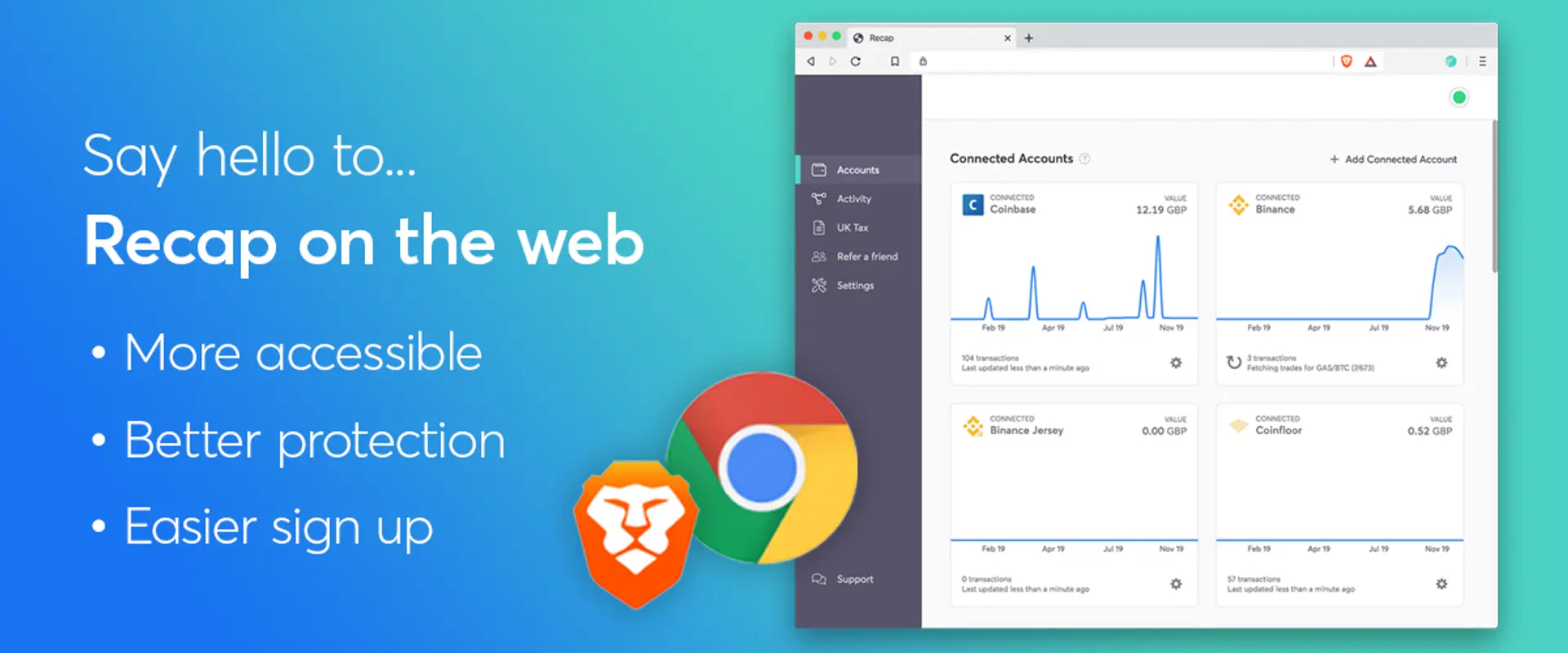

Recap is now available directly in your web browser! This means that you will get the same zero knowledge encryption and privacy peace of mind without the need for a desktop application. If you want to give the new browser based Recap a go, click the button below to get started.
If you are an existing Recap user, your data will automatically sync but you’ll need your recovery phrase (available in the Settings page in the desktop app) to decrypt your data to get up and running.
Making Recap more accessible
The overall vision for Recap is for it to be available everywhere and we feel that getting Recap working in a web browser is a major step in achieving that goal.

Recap now runs in the fully protected, standardised execution environment that a web browser provides. What this means for you is that you now have the same levels of security and privacy of the desktop application but now, you don’t have to leave your browser and have nothing to install! This also helps us in that Recap will now be always up to date (no more annoying “there is an update available” banners) and you’ll get to use the latest features and updates to the application straight away.
The Recap browser extension
To connect Recap to your chosen exchanges from the browser you are going to need the Recap browser extension. We know that might set some alarm bells ringing, but the extension is required to ensure the security of your data and keep you in control.
Our competitors require you to surrender your API keys and/or your financial data to them. This is so that they can retrieve your sensitive financial information from the exchanges and provide you with the features of their product. In effect, you are trusting that company with some very sensitive keys and are giving them control over your private financial data and its security. With Recap, we don’t want your financial data going anywhere near any third parties (including our own servers) so that you are able to keep your financial data unequivocally, yours. So, in order to connect your browser directly to your exchanges, you’ll need the Recap extension.
We know that some users might not be happy at installing a browser extension due to potential security issues, but the web browser provides a more secure, sandboxed environment than say, a desktop application. Rather than just take our word on what the extension is actually doing, we’ll be releasing the source code for the extension on GitHub so you can check for yourself what the extension is actually doing and how.
Right now we have support ready for Google Chrome and Brave.
What about the desktop app?
Overall, we are looking to point new users to the browser rather than use the desktop app. This doesn’t mean that if you are a desktop user that the application will suddenly go away or stop working. Generally, we’ll keep an eye on how many users are using the desktop application and listen to your feedback and until a time when we feel the desktop application is no longer relevant we’ll continue to support it and both the browser and desktop app will be kept in sync in terms of features.
Same Recap security and privacy, but in your browser
As of today, you now you have Recap available to you from your browser which is a very good thing and we hope that you like it!