
Setting up a crypto wallet might seem daunting if you're new to crypto, but with the right guidance, it's a breeze. Whether you're planning to HODL for the long term, trade daily, or dive into DeFi, having a secure and functional wallet is your first step.
What is a crypto wallet?
Before you start using cryptocurrency, you'll need a crypto wallet. This crypto tool holds the public and private keys used to prove your coins belong to you. Your wallet allows you to store, send, and receive cryptocurrencies safely.
Types of crypto wallets
There are three main types of crypto wallets:
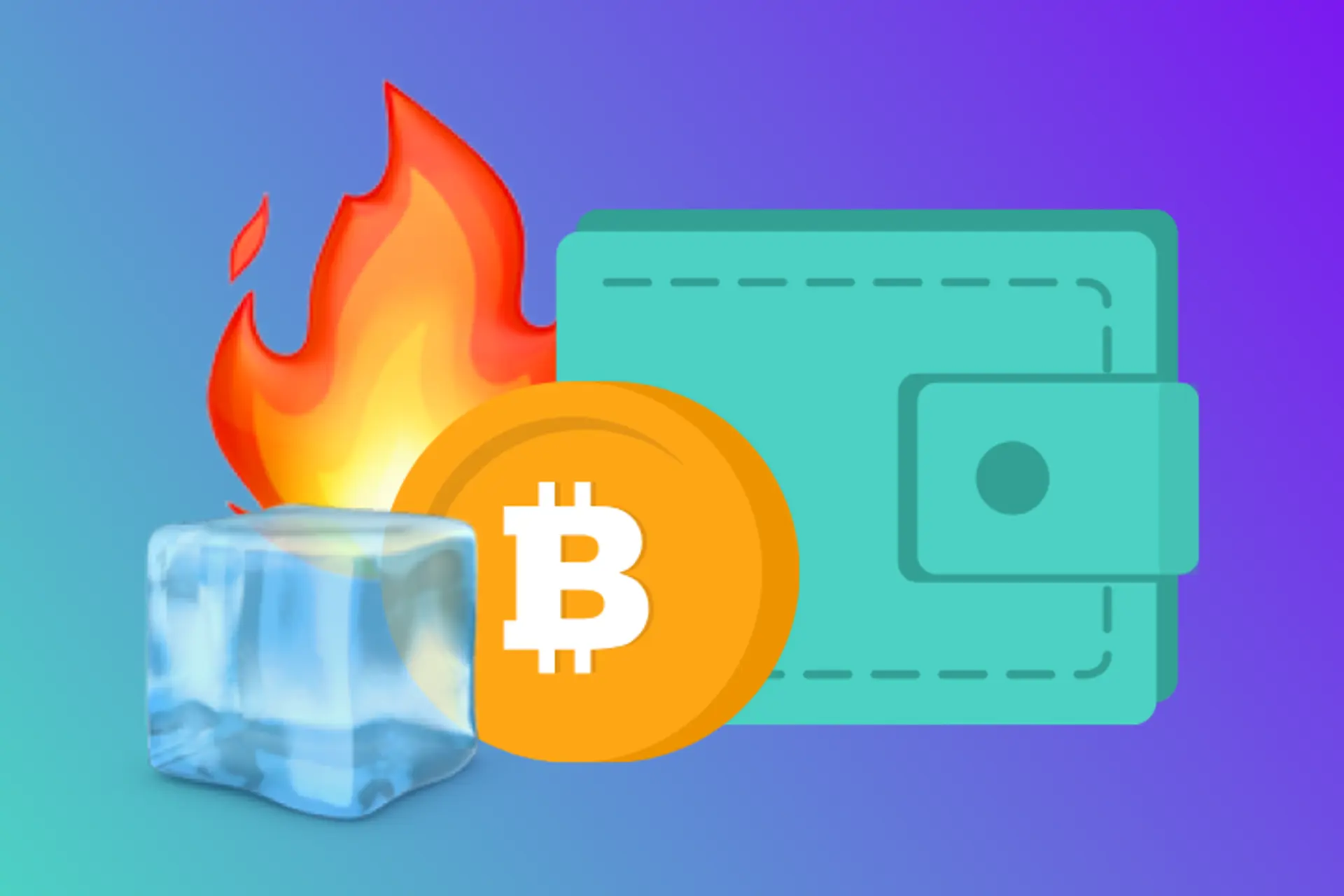
Hot wallets (software wallets)
Hot wallets store your crypto on an internet-connected device. They are usually free and easy to use, making them a popular choice for beginners. Examples include:
- MetaMask
- Trust Wallet
- Coinbase Wallet
Custodial wallets
Custodial wallets are managed by a third-party provider, such as a crypto exchange. They offer convenience and ease of use, especially for those new to crypto, but the provider holds the keys to your wallet. Examples include:
- Coinbase
- Binance
- Kraken
Cold wallets (hardware wallets):
Cold wallets keep your crypto offline, providing added security. They come in the form of physical devices and are best for those looking to store large amounts of crypto. Examples include:
- Ledger Nano S
- Ledger Nano X
- Trezor
For a more thorough understanding of hot and cold wallets and their pros and cons, check out our detailed article Crypto cold wallets vs hot wallets.
How to set up a crypto wallet
The steps for setting up your wallet will vary based on the type of wallet you choose and how you intend to use it. Here’s a quick guide to get you started:
Setting up a hot wallet
- Choose a wallet: Pick a reputable wallet and download the app onto your desktop or mobile device.
- Create an account: Follow the app's instructions to create an account. You’ll need to set up a security method, such as a password or facial recognition.
- Secure your recovery phrase: The app will generate a random 12- or 24-word recovery phrase. Write this down and store it safely, as it's crucial for recovering your wallet if you lose access.
- Add crypto to your wallet: Transfer crypto from another wallet or link your account to an exchange to buy crypto directly.
Setting up a cold wallet
- Purchase a hardware wallet: Buy a device from a trusted manufacturer. Once it arrives, power it on and set up a PIN code.
- Install the companion software: Download the software recommended by the hardware wallet provider. This software will help you manage your wallet and transfer funds.
- Connect your device: Follow the instructions to connect your hardware wallet to your computer or mobile device. This could be via USB, WiFi, or QR code.
- Add crypto to your wallet: Use your wallet address to transfer crypto from an exchange or another wallet.
Setting up a custodial wallet
- Choose a trustworthy platform: Select a reputable exchange that offers custodial wallets. Look for security features and user reviews.
- Create an account: Sign up on the platform, providing the necessary personal information and verifying your identity if required.
- Deposit cryptocurrency: You can transfer crypto from another wallet or buy directly on the exchange by linking your bank account or using a credit/debit card.
Crypto wallets: important tips
- Backup your recovery phrase: This cannot be overstated. Your recovery phrase is your lifeline if you lose access to your wallet. Without it there’s no way to access your crypto!
- Enable security features: Use two-factor authentication and other security measures to protect your wallet.
- Keep software updated: Regularly update your wallet software to ensure you have the latest security features.
Understanding crypto wallet keys
Cryptography is the technology that secures communication and data, ensuring that only intended parties can access and understand it. At the heart of cryptography are public keys and private keys, which work together to protect information and digital assets.
Public key
A public key is your crypto wallet’s address that you can share with others to receive cryptocurrency - like a bank account number. Public keys are used to encrypt data. When someone wants to send you an encrypted message or crypto, they use your public key to do so.
You can usually find your public key or wallet address in the account information or settings of your wallet app. It's a long string of alphanumeric characters.
Private key
A private key is like your PIN or password. It’s a code that you must keep secure and never share, providing you access to your address and letting you manage your crypto holdings. Private keys are used to decrypt data. When you receive an encrypted message or cryptocurrency, your private key is required to unlock and access the information or funds. The private key also allows you to sign transactions, proving ownership and authorisation without revealing the key itself.
Your private key is often represented by a recovery phrase (seed phrase) in most wallet apps. This phrase is generated when you create your wallet and should be written down and stored securely.
How do public and private keys work together?
When someone wants to send you encrypted data or cryptocurrency, they use your public key to encrypt it. Once encrypted, only the corresponding private key can decrypt and access the data. This ensures that even if the encrypted data is intercepted, it cannot be read or accessed without the private key.
In the context of cryptocurrency, controlling your private key means you have full control over your digital assets. If someone else holds your private key, they can access and control your funds.
Recap: the simple safe and secure way to track your crypto assets
Choosing and setting up the right crypto wallet is the first step towards securely managing your digital assets. Whether you opt for a hot, cold, or custodial wallet, following the setup steps ensures your crypto is safe and accessible. Recap can assist by integrating with various wallets, making it simple to track your investments and stay compliant with tax regulations. Visit our integrations page to find out which wallets we support.