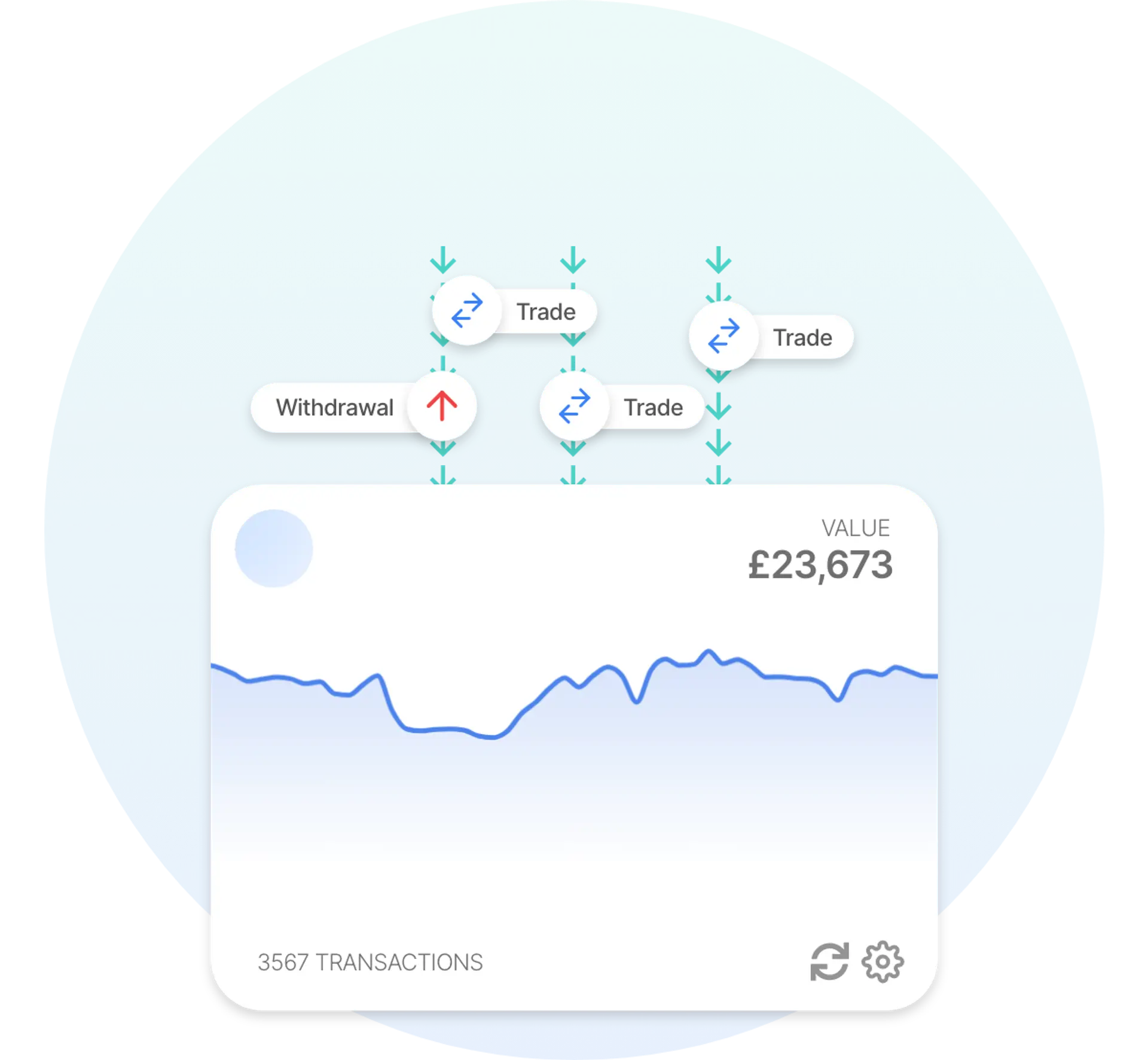
 Auto Sync with Binance Smart Chain
 Recap has a comprehensive integration with Binance Smart Chain that makes it easy to manage your crypto tax calculations. Add your Binance Smart Chain public address to Recap to import your full history and automate your taxes. From 2026, tax authorities are widening the automatic reporting of crypto under frameworks such as the OECD's Cryptoasset Reporting Framework (CARF), so keeping an accurate record matters more than ever.
Disclaimer
The information provided in this content does not endorse Binance Smart Chain. Furthermore, it does not constitute tax advice. If anything financial or tax-related is unclear, speak to a qualified tax professional. You can also share your Recap account with your accountant or tax adviser directly.
Why Binance Smart Chain tax can be difficult to calculate manually
A Binance Smart Chain account gives you a complete record of your activity, but it is raw on-chain data rather than a tidy statement. That is exactly what makes the tax side hard to work through by hand. A few things tend to trip people up:
- Transfers between your own accounts are not disposals. Moving crypto between accounts you control is not a taxable event, but it is easy to mistake for one, or to miss the trades hidden among the transfers.
- On-chain swaps are disposals. Swapping one token for another, including trades through decentralised apps, is a disposal even though no ordinary money changes hands.
- Network and gas fees. Fees are paid in crypto, so each one is a disposal of the crypto spent as well as an allowable cost of the transaction it relates to. Ignoring them leaves both your gains and your cost basis wrong.
- Rewards and airdrops. Staking and reward tokens are generally income, valued when they arrive, while airdropped tokens are an acquisition rather than income. Either way they are easy to leave sitting in the account and overlook.
How to import your Binance Smart Chain data into Recap
Binance Smart Chain imports into Recap from your account. Add your public address, and Recap reads your on-chain activity automatically, including receipts, sends, swaps and fees. Recap classifies and values every entry with our fair-market valuation engine and applies the tax rules for your jurisdiction, turning raw account data into a clear set of gains and losses.
How are Binance Smart Chain transactions taxed?
Tax treatment depends on the transaction type and where you are tax resident. Here is how the main Binance Smart Chain activities are generally treated:
| Transaction type | CGT disposal | CGT acquisition | Income |
|---|---|---|---|
| Receiving crypto into your account | CGT disposal: no | CGT acquisition: no. Recap records a plain inbound transfer as a Deposit, which creates no section 104 pool acquisition on its own, since it is assumed to be crypto arriving from elsewhere in your own records. Recap re-classifies it automatically in two cases: if the transaction's logs contain a recognised airdrop-claim event or the transfer came from a batch send it becomes an Airdrop, and if the logs contain a staking RewardPaid event for your address it becomes a Staking Reward. | Income: no |
| Sending crypto from your account | CGT disposal: no. Recap treats an outbound transfer as a Withdrawal, so the amount sent is not itself a disposal: the default assumption is that the crypto is still yours. The BNB gas fee paid on the transaction is recorded separately as a disposal of the fee asset. Re-categorising the transaction in Recap (for example as a spend, gift or sale) does produce a disposal of the amount sent. | CGT acquisition: no | Income: no |
| Swapping one token for another | CGT disposal: yes. The BNB gas fee is recorded as an additional disposal of the fee asset alongside the swap. | CGT acquisition: yes. The token received enters a section 104 pool at the swap's valued amount. Where one leg of the swap has no market price, Recap's default (for portfolios created after 18 June 2026) is to value it from the residual value of the priced side rather than at zero, under the 'Allocate residual swap value to unpriced assets' setting. | Income: no |
| Selling crypto for a stablecoin | CGT disposal: yes. The token sold is disposed of at the swap's valued amount; the BNB gas fee is a further disposal of the fee asset. | CGT acquisition: yes. Recap treats a stablecoin such as USDT, USDC or BUSD as a crypto asset rather than fiat, so the stablecoin received is also an acquisition into its own section 104 pool. | Income: no |
| Network and gas fees | CGT disposal: yes. BNB spent on gas is recorded as a disposal of that BNB at its market value, and is also attached to the parent transaction as an allowable cost. Fee-only transactions, such as token approvals, contract executions and failed transactions, still produce the gas disposal and nothing else. Recap's default is to emit fees as separate disposals rather than netting them off the amount acquired; the 'Deduct fees from trades' and 'Deduct fees from income' settings (both off by default) change that for same-asset fees. | CGT acquisition: no | Income: no |
| Staking or reward tokens received | CGT disposal: no. Entering and leaving a staking pool on BSC is recorded as a Withdrawal labelled 'Stake' and a Deposit labelled 'Unstake', so the principal itself generates no disposal or acquisition. Recap's ‘HEX staking principal treatment’ setting (default: Disposal) only applies to transactions categorised as Stake Start / Stake End. | CGT acquisition: yes. The reward tokens enter a section 104 pool at the same market value used for the income event. | Income: yes. Recap's default: reward tokens detected as a staking payout are recorded as income at market value on receipt, with no same-asset fee deducted (the 'Deduct fees from income' setting is off by default). Automatic detection relies on the reward contract emitting a log event Recap recognises; otherwise the tokens arrive as a plain Deposit and can be re-categorised. Tokens claimed from a recognised airdrop-claim contract are recorded as an Airdrop instead, an acquisition with no income event, whose pool cost defaults to zero for portfolios created after 6 April 2024 and to market value for older ones, and is configurable per transaction. |
| Transferring between your own accounts | CGT disposal: no. A matched transfer is not a disposal of the amount moved. The BNB gas fee remains a disposal of the fee asset, and if the amount received differs from the amount sent Recap records the difference as a TransferExcess acquisition (when more arrives) or a zero-value disposal (when less arrives). | CGT acquisition: no | Income: no |
This table shows how Recap classifies each transaction type by default. Some treatments — such as the acquisition cost used for airdrops — are configurable in Recap. This is general information, not tax advice; consult a qualified tax professional about your circumstances.
This table shows Recap's default classification for common Binance Smart Chain transactions. It is not an exhaustive schedule or a ruling. Treatment depends on your circumstances and jurisdiction, and you can recategorise any transaction where yours differ. Confirm your position with a qualified tax adviser.
Swapping one token for another, including trades into stablecoins, is both a disposal of the token you part with and an acquisition of the token you receive, each measured against your cost-basis pool. Moving crypto between your own accounts is not a disposal, but network and gas fees are: the fee is a disposal of the crypto spent, and it also attaches as an allowable cost to the transaction it relates to. Staking and reward tokens received on-chain are generally treated as income at the value you receive them, and that value enters your cost-basis pool, so only later growth is a gain.
Refer to our tax guides for a more detailed look at crypto tax rules.
What's in your Binance Smart Chain tax report
Recap turns your Binance Smart Chain activity into a single tax report: on-chain swaps treated as the disposals and acquisitions they are, transfers between your own accounts excluded, gas fees counted as disposals in their own right and attached as costs to the transactions they relate to, capital gains and losses and income worked out under the rules for your jurisdiction, and a clear year-by-year summary you can file yourself or hand straight to your accountant.
Common Binance Smart Chain tax challenges and how Recap solves them
Account data produces a few recurring tax problems. Here is how Recap handles each one:
- Telling transfers from disposals. Moving funds between your own accounts is not taxable, but a swap is. Recap tells them apart so nothing is mislabelled.
- On-chain swaps. Each token-for-token swap is a disposal. Recap reads it and calculates the gain or loss automatically.
- Fees and gas. Fees paid in crypto are easy to overlook. Recap treats each one as a disposal of the crypto spent and attaches it as an allowable cost to the transaction it belongs to.
- Rewards and airdrops. Reward tokens land as income events, while airdrops come in as acquisitions rather than income. Recap classifies and values each one at the point you receive it, so none are missed.
Why Binance Smart Chain users choose Recap
Binance Smart Chain users often choose Recap because raw account data, full of transfers, swaps, fees and rewards, is slow and error-prone to reconcile by hand. Rather than reading it transaction by transaction, you can bring it into Recap and see your gains and losses reconciled in one report, ready to file or share with your accountant.